**This content belongs to missingtricks.net**
Hello everyone !!!
Note : Rooting your phone will void thw warranty of your phone . I am not responsible if your phone gets bricked....
You Need :
KingRoot : (Download)
Battery Must be minimum 60%
Make sure you have unknown sources enabled
For enable Unknown sources go to Settings – Security – Tick mark on Unknown Sources
Let's Start :
Step 1) At the First Download Kingroot App From Above.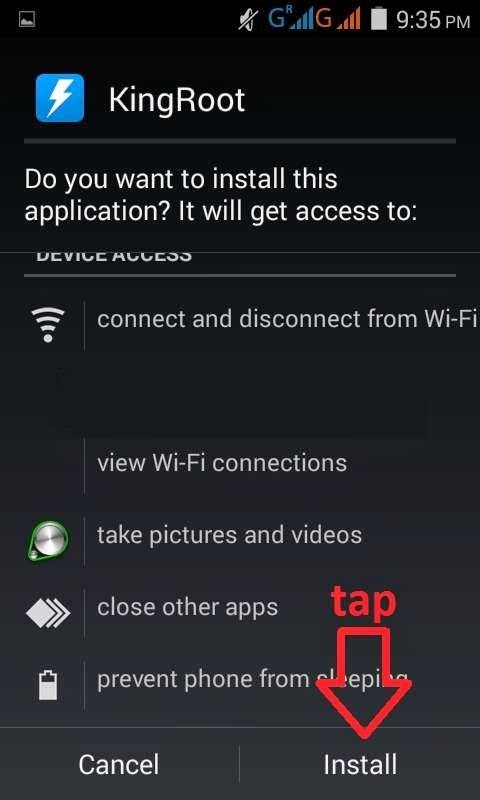
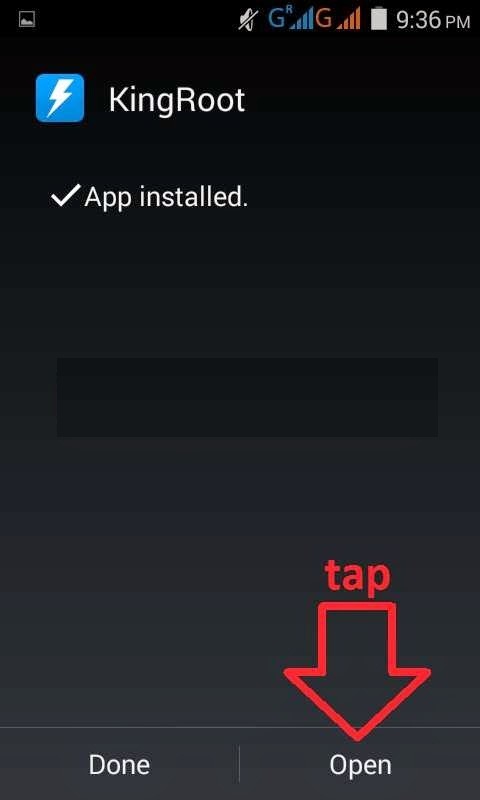
Step 3) Then click on The Big Green Circle Like Screenshot Below
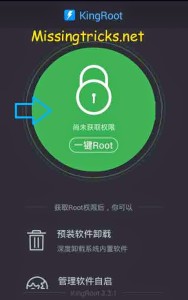
Step 4) After That just wait for 1-2 Minutes and be patience don’t close this app and don’t be panic.
Now you are done !!! you will see a big tick mark in circle like screenshot below it means that your Unite 2 A106 rooted successfully without Pc and click on the icon like screenshot below
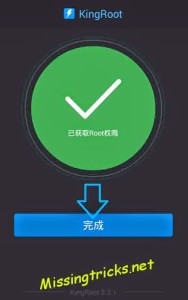
Step 5) Now Just Normally Restart Your Phone and your phone is rooted successfully, Now Just Restart your Phone

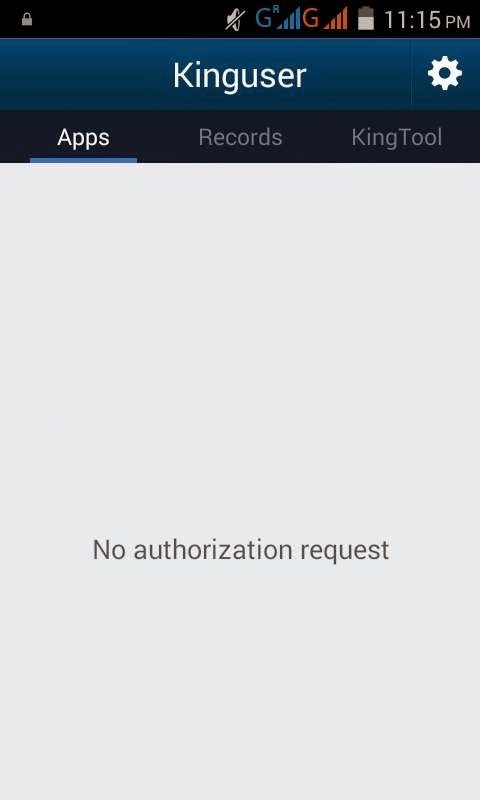
Step 6) This will Install a new kinguser app in your phone.
Step 7) For Make 100% Sure your device is rooted or nor install root checker app from here – Root Checker
It will show you that your device is properly rooted or not.


ไม่มีความคิดเห็น:
แสดงความคิดเห็น